For Parents
How to Book a Space on Hopscotch
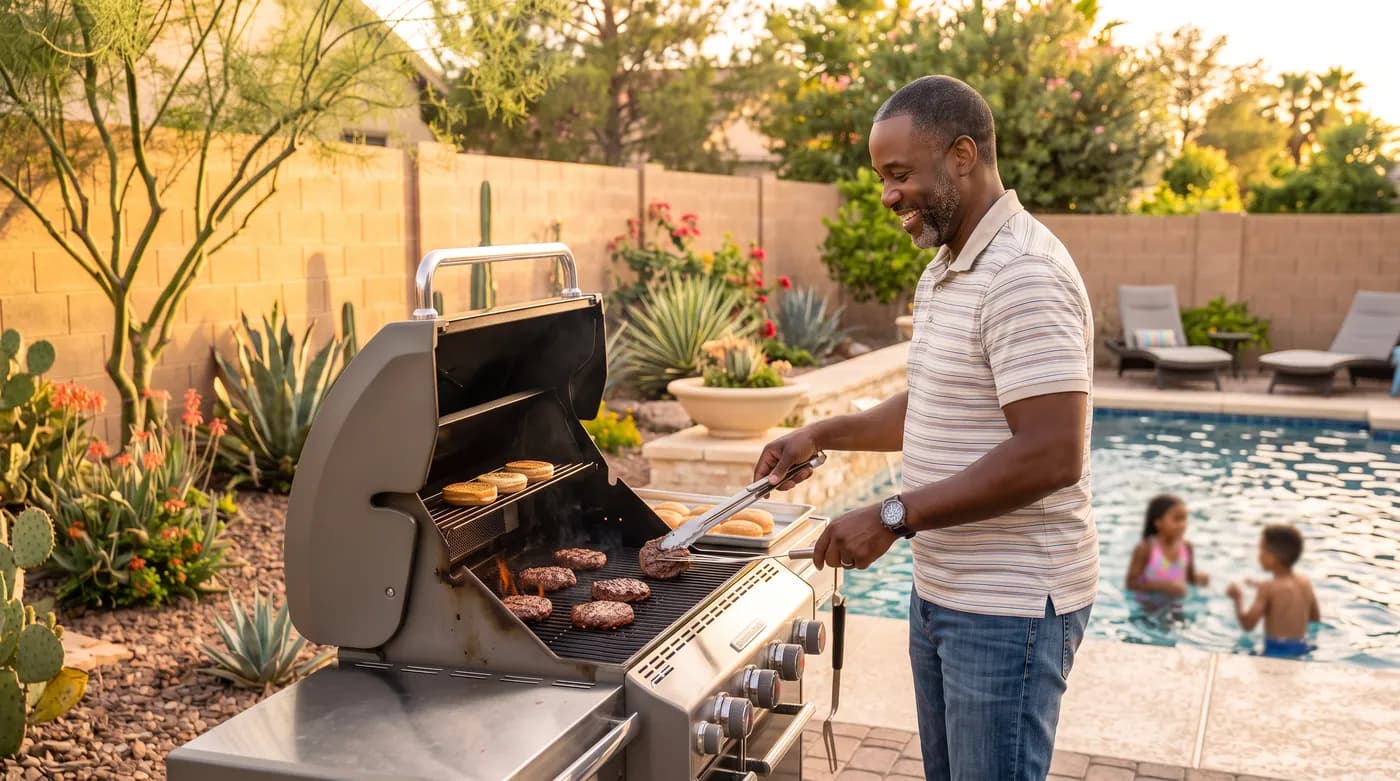
Booking a private backyard or play space on Hopscotch takes a few minutes, start to finish. Here's exactly how it works.
1. Search for a space
Head to Find a Space and search by city or zip code. From there you can filter by date and time (so you only see spaces that are actually free when you need them), guest count, max price, and amenities like fencing, shade, water access, or a play structure. Sort by newest, price, or top rated to find what fits.
Each listing shows real photos, the amenities, the host's safety checklist, and reviews from families who've booked there before — including a category breakdown for cleanliness, accuracy, check-in, communication, location, and value, not just a single star rating.
2. Pick a date, time, and duration
Once you find a space you like, open the listing and choose a date on the calendar. Available start times are shown based on the host's actual schedule — their weekly hours, any dates they've blocked off, and other bookings already on the calendar. Pick how many hours you need (every listing has a minimum) and how many guests are coming.
If the exact slot you want isn't open, you can join the waitlist for that day — if it opens up, you'll be notified.
3. Reserve and pay
Before you check out, you'll list the names of the children attending (these are kept for Hopscotch's internal records only — your host never sees them, just a count) and confirm you'll be present with your children for the entire booking. If the host has written house rules, you'll also confirm you've read and agree to them.
Some hosts use Instant Book, which confirms your reservation the moment you pay. Others review each request first — in that case, your card is held (not charged) and the host has 24 hours to accept. If they don't respond in time, the request simply expires and you're never charged.
Payment is handled securely online. The price you see includes the host's hourly rate plus a service fee.
4. Get confirmed and coordinate
Once your booking is confirmed, you'll get the exact address, a confirmation page, and a message thread with your host where you can ask about parking, entry, or anything else before you arrive. You'll also get a reminder as your booking approaches.
Not ready to book yet but have a question first? You can message a host directly from any listing before you book, too.
5. Play, then leave a review
A parent or guardian stays on-site with the kids for the whole booking — Hopscotch spaces are private play spaces, not drop-off childcare. Afterward, you can leave a review for the host. Reviews are blind: your review stays hidden until the host has also submitted theirs (or 14 days pass), so both sides can be honest without seeing the other's review first.
Ready to find your first space? Browse spaces near you.